You hit record, listen back, and there it is: the hum of your computer fan, the clatter of your keyboard, a little echo bouncing off the wall behind you. Your voice sounds thin, like it's coming from the next room. If you started with a USB mic, this is probably where you are now — the sound is okay, but it's clearly not the warm, close, radio-style voice you hear on the podcasts you actually enjoy.
That gap is what sends most people looking at their first real broadcast microphone. The RØDE PodMic is one of the most common answers to that search, and for good reason. But it also comes with a catch that nobody mentions in the excited first-look videos: it won't plug into your laptop by itself. This review walks through what the PodMic actually fixes, what it demands from you in return, and whether it's the right call for your setup.
If you already know you're ready for an XLR mic, you can check the current price on Amazon. If you're not sure yet, keep reading — the honest version of this decision is below.
What this product is
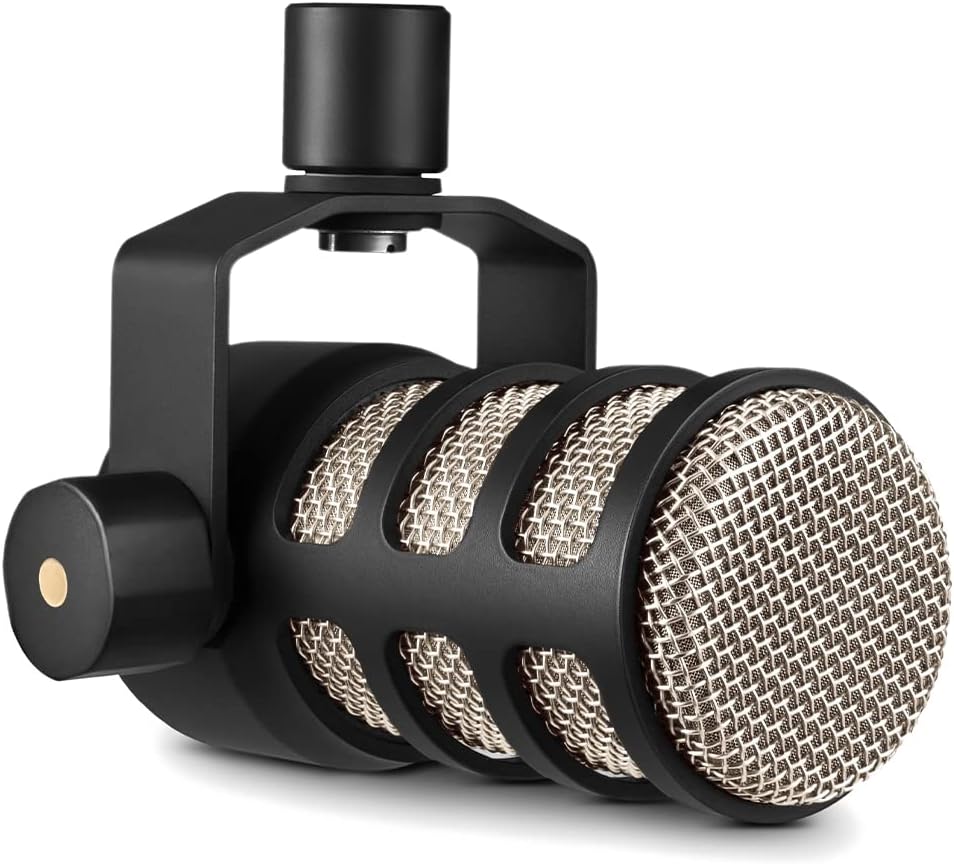
The RØDE PodMic is a cardioid dynamic broadcast microphone with an XLR output. Let's unpack what that means in plain terms, because each of those words is doing real work.
Dynamic describes how the mic captures sound. Dynamic microphones are less sensitive than the condenser mics found in many USB models. That sounds like a downside, but for a noisy home room it's the opposite — a dynamic mic ignores a lot of the ambient sound around you and focuses on what's directly in front of it.
Cardioid is the pickup pattern. It listens in a heart-shaped zone aimed at your mouth and rejects sound coming from the sides and rear. That's the property that helps tame keyboard clatter and room echo, as long as you're speaking close to it.
XLR output is the important asterisk. XLR is a professional three-pin connector. It does not go into a USB port. The PodMic needs an audio interface or a mixer between it and your computer — something like a RØDECaster, a RØDE AI-1, or a similar two-channel interface. RØDE also makes a separate model, the PodMic USB, that plugs in directly if you'd rather skip that step.
So the PodMic is a purpose-built podcast and streaming mic that trades plug-and-play simplicity for cleaner, more controlled sound.
What is in the pack
We weren't given a verified pack list, so we won't invent one. Before you buy, check the current Amazon listing for exactly what's included — specifically whether a stand mount or thread adapter comes in the box, and what warranty terms RØDE lists for your region. Don't assume an XLR cable, boom arm, or shock mount is included; those are often sold separately. Read the "what's in the box" section on the listing itself rather than trusting a third-party summary.
How it is meant to be used
The PodMic is built to be used close. Dynamic broadcast mics reward a few inches of distance between your mouth and the grille. Back away to arm's length and you lose the warmth and let more room noise creep in, which defeats the whole reason you bought it.
Here's the signal chain in order:
- Your mic connects to an audio interface or mixer with an XLR cable.
- The interface connects to your computer, usually over USB.
- Your recording or streaming software sees the interface as an input.
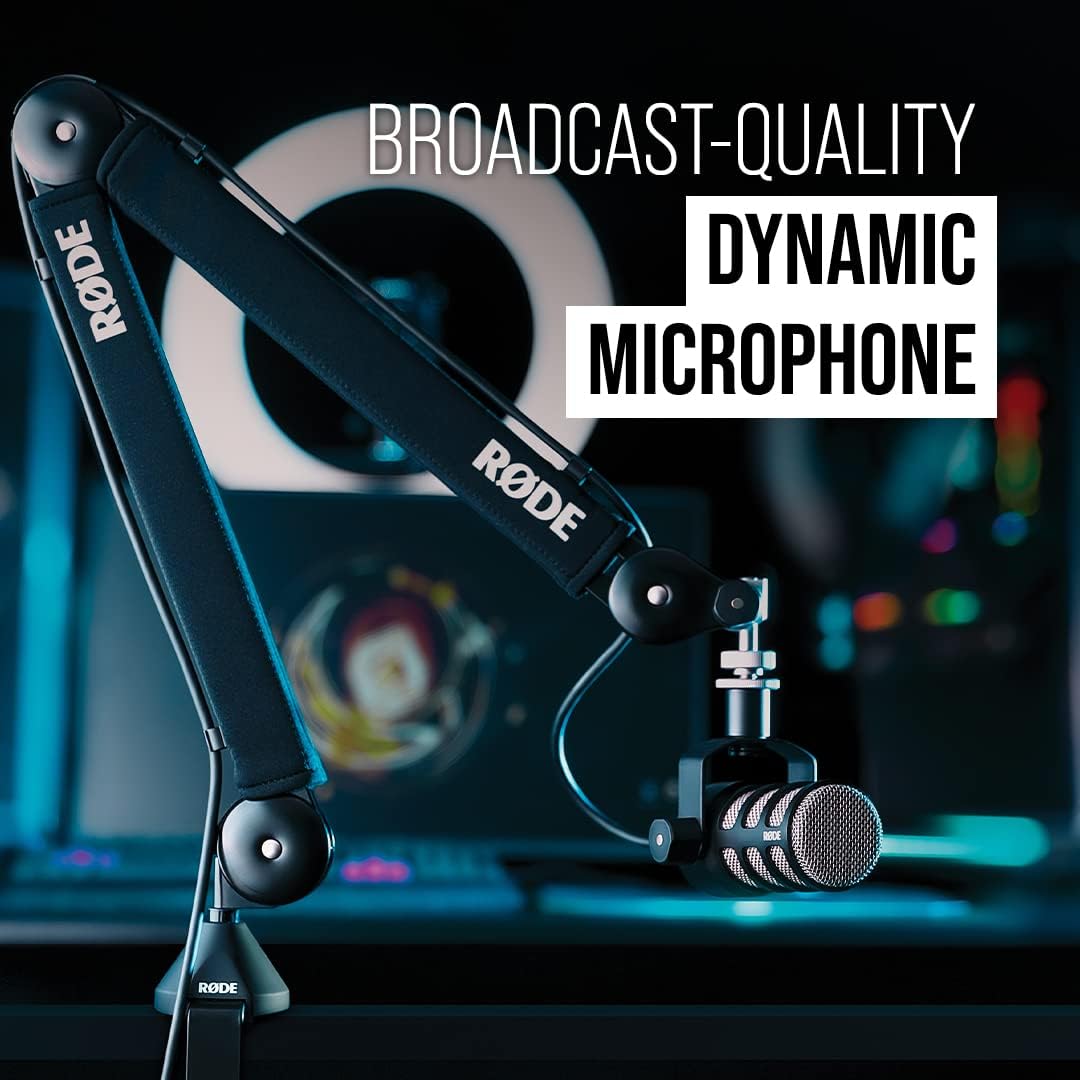
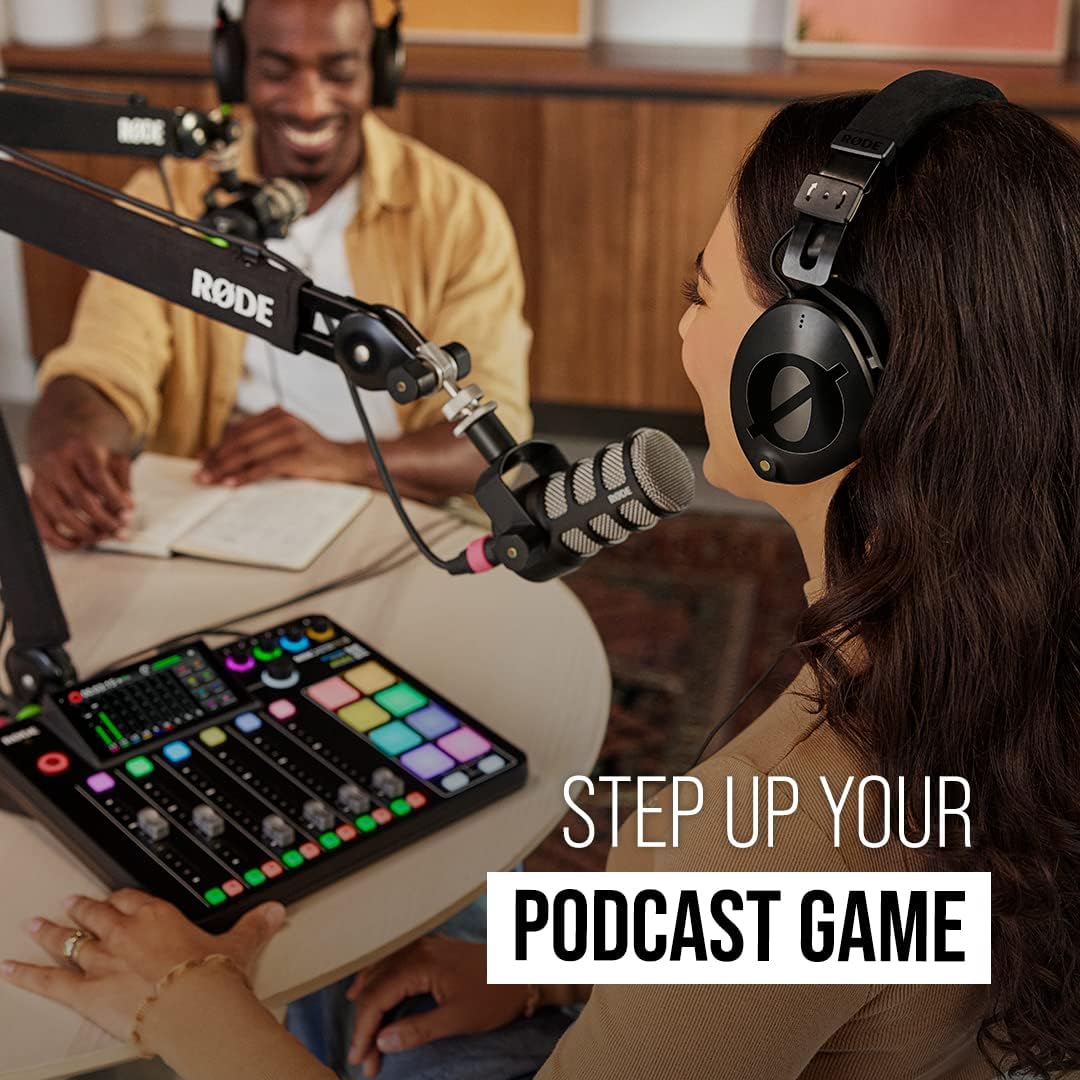
A typical RØDE PodMic and RØDECaster Pro setup is popular because the RØDECaster is a podcast production console — it powers the mic, handles multiple guests, and adds processing without a separate computer program running the show. If you're solo and on a budget, a small two-channel interface does the same core job of getting the mic into your computer.
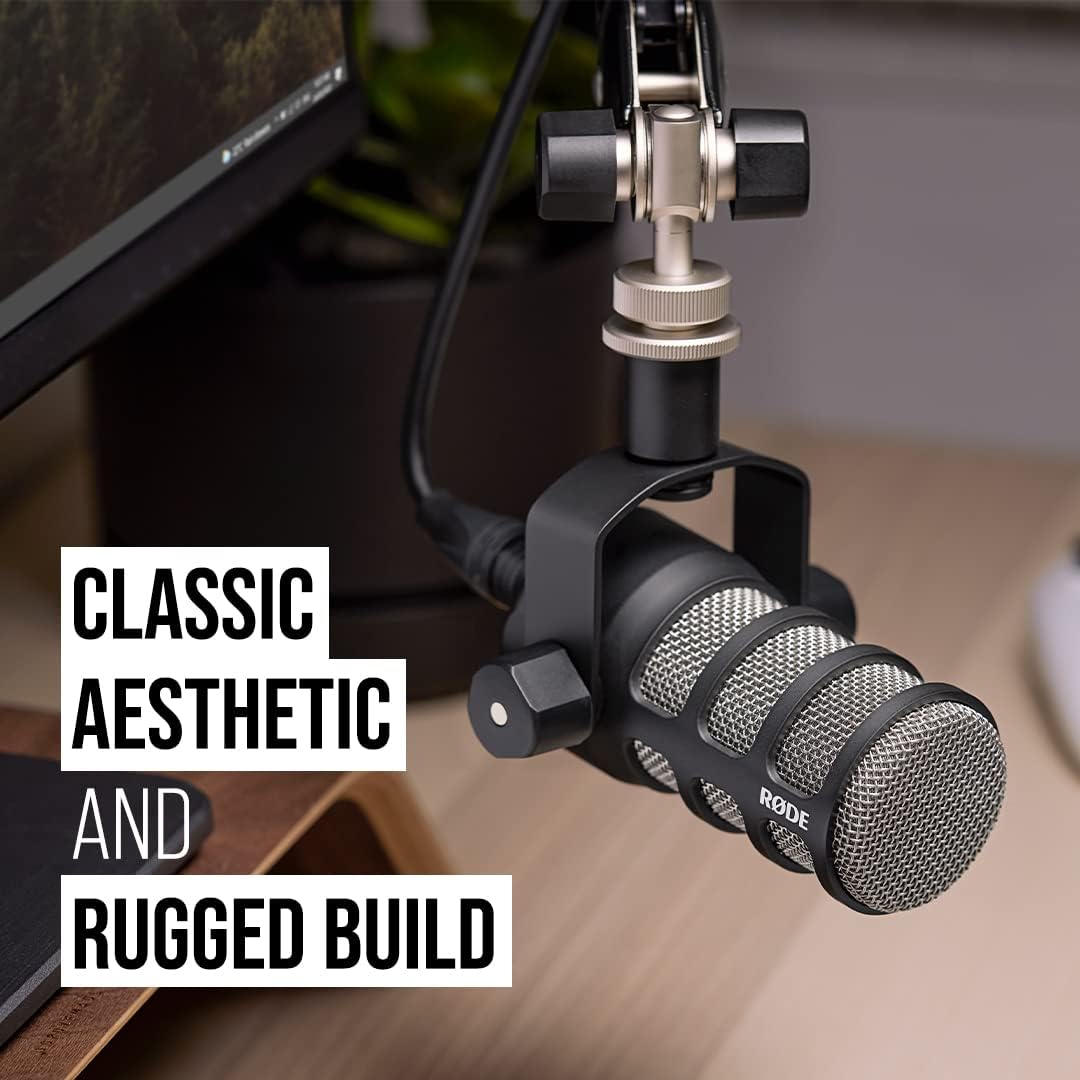
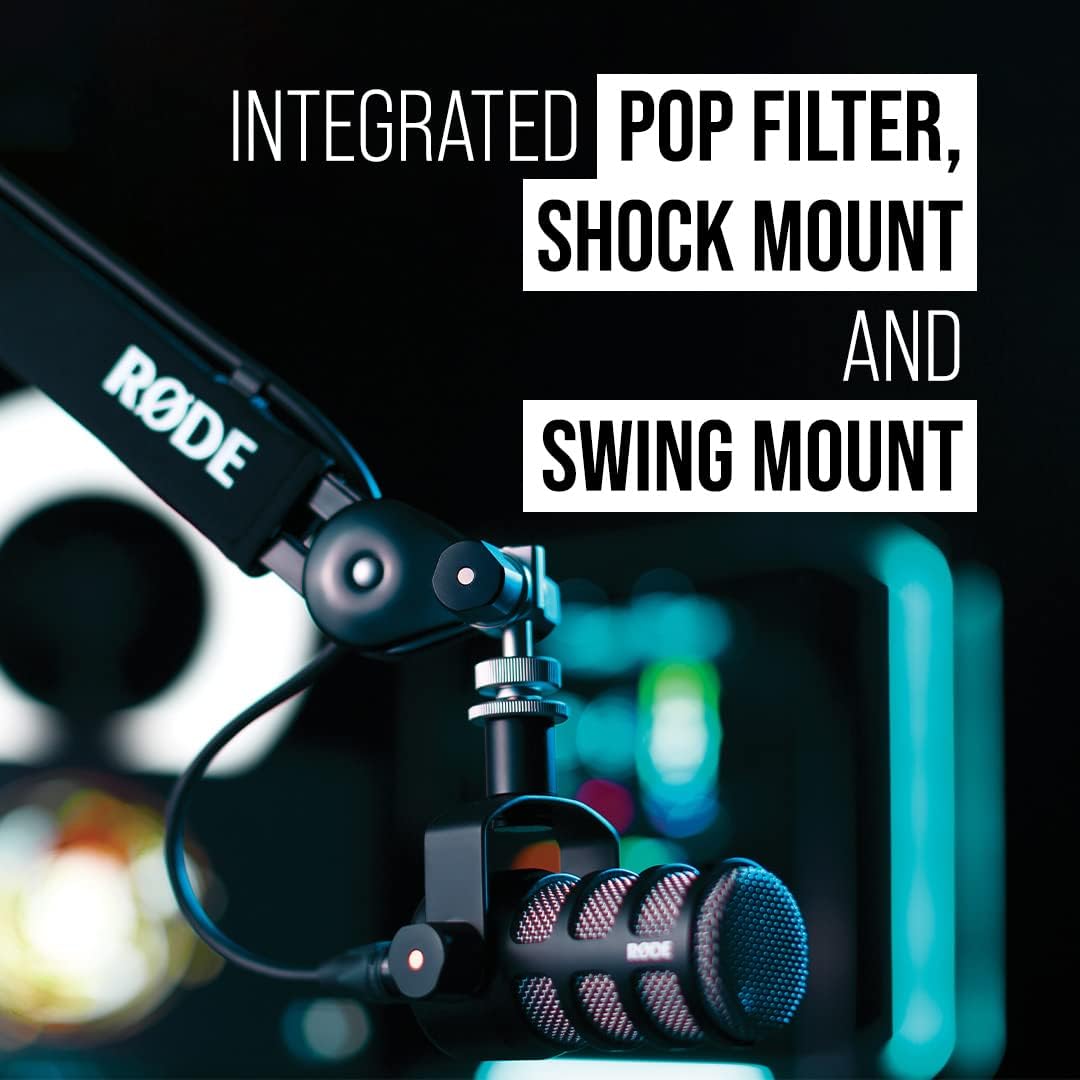
Position the mic on a boom arm or sturdy desk stand, speak across or slightly off the front of it to reduce plosive "p" pops, and set your input gain so your loudest moments don't clip. That's the whole routine.
Where it works well
Rejecting background noise. This is the headline. Because it's a cardioid dynamic mic used up close, it naturally shrugs off a lot of the fan hum, keyboard noise, and mild room echo that plague condenser USB mics. It won't erase a barking dog or a loud AC unit, but for a normal untreated room it's a genuine step up in dynamic microphone background noise rejection.
Solo podcasting and voice recording. For a single host talking into a mic a few inches away, the PodMic delivers the close, present voice tone people associate with broadcast audio.
Streaming in a busy room. If you game or stream with a mechanical keyboard and a running PC, the tight pickup pattern helps keep that clatter out of your feed. That makes it a reasonable pick when you're shopping for the best microphone for streaming noise rejection without going up to studio prices.
Multi-mic podcast setups. Paired with an interface or a RØDECaster, XLR makes it straightforward to run two, three, or four of the same mic for in-person guests — something USB mics handle poorly.
Where it is not the right fit
If you want to plug in and record in five minutes. The XLR requirement is a real hurdle. Between choosing an interface, buying a cable, and learning to set gain, there's a genuine XLR vs USB microphone for podcasting learning curve. If that friction will stop you from ever recording, the PodMic USB — or a good USB mic — is the smarter buy.
If you can't sit close to the mic. People who like to lean back, roam, or record standing several feet away won't get the sound this mic is built for.
If your room is genuinely loud. Strong noise rejection helps, but it isn't magic. A room with heavy street noise or a loud furnace still needs some treatment or relocation.
Don't own an audio interface yet? The XLR requirement is the single biggest reason people return this mic. If you want the RØDE sound without buying extra gear right now, the PodMic USB plugs straight into your computer — no interface needed. It's the friendlier on-ramp if you're not ready to build a signal chain yet.
Trade-offs and limitations
The honest trade-offs come down to three things.
Added cost and complexity. The mic price is only part of the total. You'll also pay for an interface and a cable, and you'll spend some time learning gain staging. Budget for the whole chain, not just the mic.
Gain demands. Dynamic broadcast mics generally need a fair amount of clean gain from your interface. Very cheap interfaces can leave the signal quiet and hissy when you turn them up. Some users add an inline gain booster to solve this. Check that whatever interface you pair it with has enough clean gain.
Not a fix for the room itself. The cardioid pattern reduces off-axis noise, but reflective surfaces and loud sources still matter. A blanket, a rug, or a bit of foam behind you will do more than most people expect.
Who should consider something else
If you're brand new and the interface question makes your eyes glaze over, start with the PodMic USB or a plug-and-play USB mic and upgrade later once you know podcasting sticks.
If you're weighing the RØDE PodMic vs Shure SM7B, know that they aren't in the same class or price bracket. The SM7B is a higher-end broadcast standard that typically needs even more gain (and often an inline booster). It's a step up in cost and setup, not a straight swap.
| Feature | RØDE PodMic | Shure SM7B |
|---|---|---|
| Type | Cardioid dynamic, XLR | Cardioid dynamic, XLR |
| Needs an interface | Yes | Yes |
| Gain demand | Moderate | High — often needs a booster |
| Best for | First serious XLR upgrade | Established studios and pros |
| Price | See current price on Amazon | See current price on Amazon |
Finally, if you want a cardioid dynamic mic for home studio work but truly can't add any gear, respect that limit and pick a USB model. The best mic is the one that doesn't stop you from recording.
How we reviewed this
This is a research-based review. It's drawn from RØDE's published product information and the general, well-understood behavior of cardioid dynamic microphones — the mic category the PodMic belongs to. We did not test this unit hands-on, and we made no measurements or lab tests.
That means we can't verify specific sound character, build quality over time, real-world self-noise, or exactly how it performs against a particular interface in your room. We also didn't confirm pack contents or warranty terms; check the current listing for those. Everything here reflects what this type of microphone is designed to do and what it requires from your setup — not first-hand test results.
The verdict: The RØDE PodMic is a strong first real XLR microphone for anyone who wants broadcast-style voice and better background noise rejection than a typical USB mic — as long as you're willing to add an audio interface and learn a little gain staging. If that trade sounds fair, it's an easy recommendation. If it sounds like a chore, the PodMic USB is the friendlier path.
Ready to level up your audio? See the RØDE PodMic on Amazon.