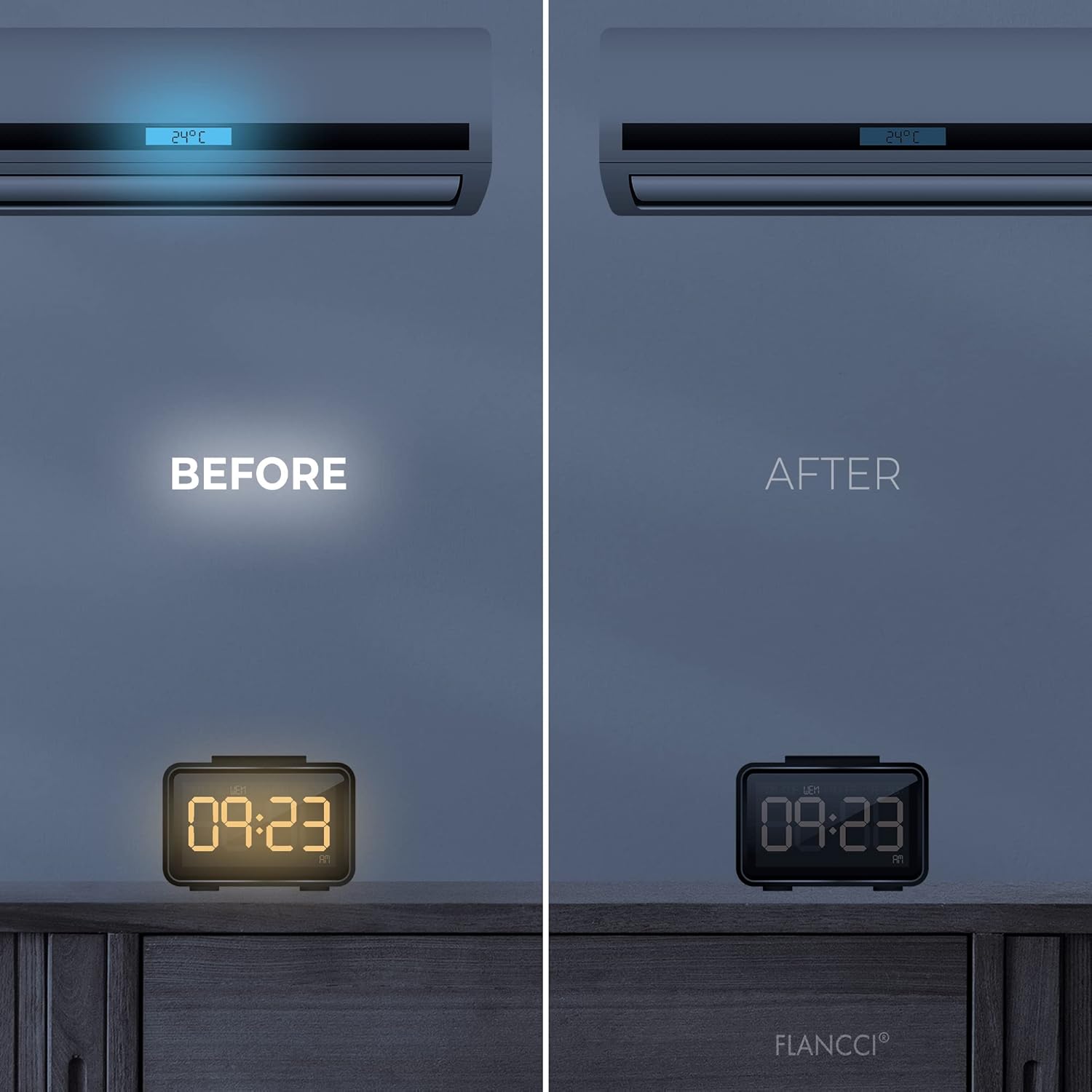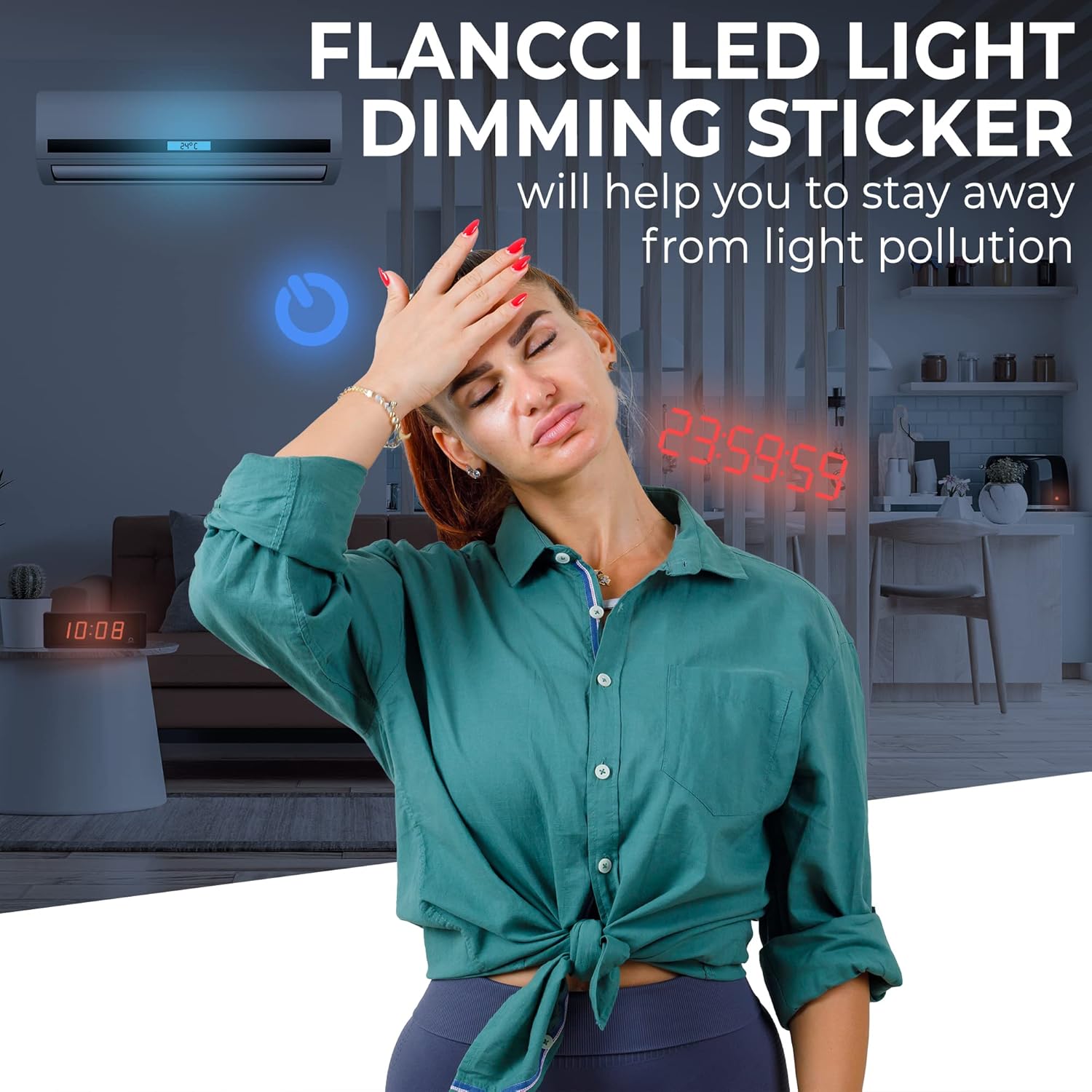
That one bright indicator LED on a router, power strip or charger can be surprisingly hard to ignore in a dark room. Adhesive dimming sheets are a low-effort fix for exactly this kind of nuisance, and the FLANCCI LED Light Dimming Stickers are one of the packs sold for the job.
If you already know how these sheets work in general, the real question is narrower: do the FLANCCI ones suit the lights on your particular devices, and is a sticker even the right tool here? That's what this review works through.
What this product is
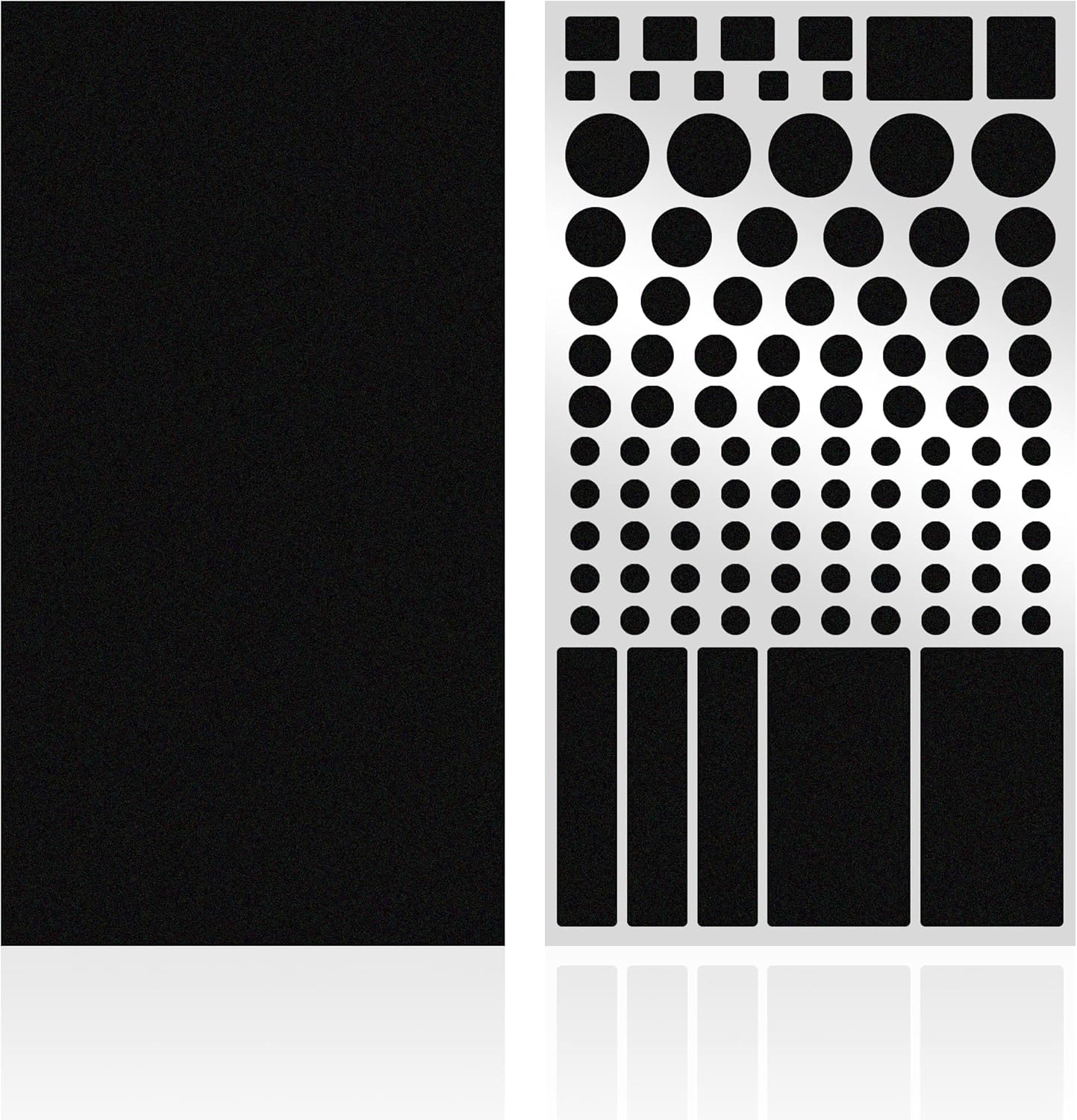
The FLANCCI product is marketed as adhesive light-filtering sheets — thin, semi-opaque material with a sticky side, cut or trimmed to sit over a small LED so the light coming through is softened rather than fully blocked. The listing describes them as light-dimming or light-softening stickers meant to reduce the glare from bright LED indicators on electronics.
Mechanically, the idea is simple. You stick a piece of the filter over the light. Less of the LED's output reaches your eye directly, so a piercing point of light reads as a dimmer glow. It's a passive accessory: nothing to plug in, no switch, no batteries.
Worth being clear about what it is not. It isn't a device modification, it isn't wired into anything, and it doesn't change the LED itself. It sits on the surface in front of the light. That framing matters for the rest of this review, because a surface sticker only works where there's a suitable surface to stick it to.
What is in the pack
The product title references two sheets, so that's the headline quantity. Beyond that, I'd treat sheet size, thickness, how many usable pieces you can cut from a sheet, and the exact finish as things to confirm on the current listing or the packaging you receive — those details can vary between runs and aren't something I can state for you with confidence.
Before you buy, it's worth checking the live listing for: the sheet dimensions, whether the material arrives as full sheets you cut down yourself or as pre-cut shapes, and any guidance the manufacturer gives on trimming. If you have several lights to cover, that sheet-to-coverage math is the thing to look at, since two sheets of filter can go a long way or run short depending entirely on their size and how much you cut per light.
How it is meant to be used
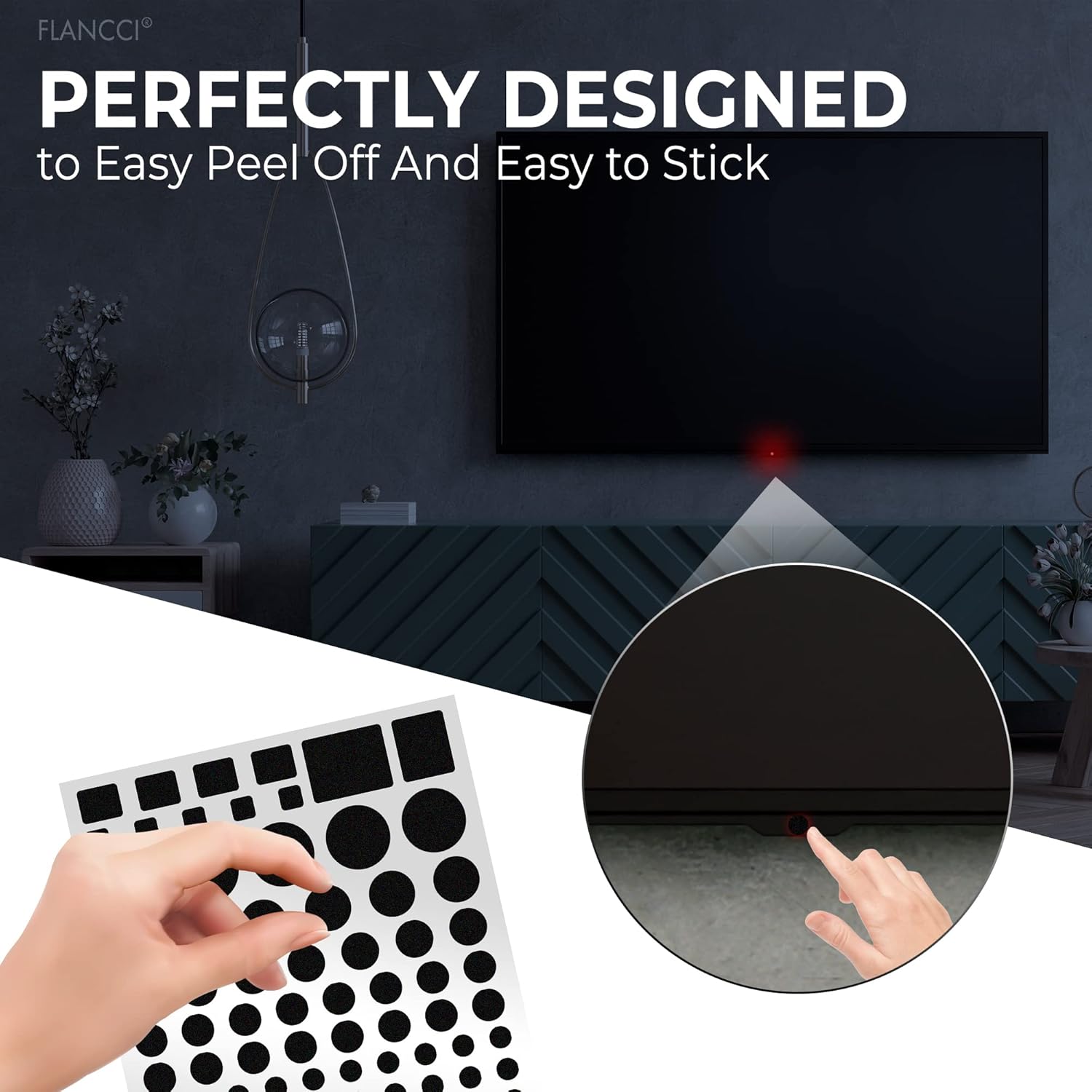
The general method for sheets like these is straightforward:
- Clean and dry the surface around the LED so the adhesive has a clean spot to grip.
- Cut a piece large enough to cover the light, if the sheets aren't pre-sized.
- Peel the backing and press the piece over the LED.
For removal, follow whatever the manufacturer says on the packaging. Peeling slowly and evenly is the usual advice for adhesive films, but I can't make any claim here about how cleanly these particular stickers come off, whether they leave anything behind, or how they behave over time — that's not information I can verify, and it depends on both the product and the surface you apply it to. If residue on a specific finish is a concern, test on an inconspicuous spot first and check the maker's guidance.
One practical note: since the point is to reduce brightness rather than eliminate it, you may want to try a single layer first and see how it looks before adding or stacking material. Different LEDs are very different in output.
Where it works well
These stickers are best suited to a specific kind of light. Think small, flat, front-facing indicator LEDs — the little status dots on a modem, a smart speaker, a monitor, a wall wart, a surge protector, a smoke of standby lights on the front of an AV component. The common thread is a flat or near-flat surface, a small light, and a light you don't actually need to read.
They tend to work well when:
- The LED sits on a smooth, hard, flat panel that gives the adhesive a clean surface.
- The light is a simple on/standby indicator whose exact color or blink pattern you can afford to ignore.
- You want to knock down glare, not black the light out entirely.
In those cases a small filter is proportionate to the problem: cheap, reversible in principle, and quick to apply.
Where it is not the right fit
Plenty of lights aren't a good match for a flat adhesive sheet.
Large, recessed or ring-shaped lights. A sheet is made to lie flat over a small area. Lights set down inside a recess, LED rings around a button or dial, and long light bars don't present a flat face the sticker can sit against, so coverage is patchy at best.
Textured or soft-touch surfaces. Adhesive films generally want smooth, hard surfaces. Rubberized soft-touch plastic, fabric-wrapped speakers, mesh, or textured casings are poor candidates — the sticker may not sit flush over the light, and I wouldn't assume it grips those materials well.
Lights you actually need to read. Charge-level indicators, error and fault lights, network status LEDs whose color tells you something — dimming those means you might miss information you rely on. A filter softens the light indiscriminately; it can't keep the useful signal and hide only the glare.
Awkwardly shaped or moving light sources. Anything that isn't a simple, static, flat-fronted dot is going to be a compromise.
Trade-offs and limitations
A dimming sticker is a blunt instrument, and that's the honest trade-off. It reduces everything coming through it. If a device uses one LED that changes color or blink pattern to communicate, a filter can make those cues harder to distinguish. You're trading legibility for calm.
There's also the question of degree. How much a given sheet cuts glare depends on the material and the specific LED, and I'm not going to put a number on it — no percentage, no brightness figure. What looks dim on a faint standby light may still read as bright on a very intense LED. Expect to eyeball the result rather than dial it in precisely.
And because it's a stick-on accessory, the result is only as tidy as the surface allows. On the right flat panel it can be nearly invisible; on the wrong one it looks like a patch stuck over a light, because that's what it is.
Who should consider something else
Before reaching for stickers, a few alternatives are worth knowing:
- The device's own brightness setting. Many monitors, speakers, clocks and routers have a menu or physical control to dim or disable indicator LEDs. If yours does, that's cleaner than covering anything.
- Opaque tape. If you want a light fully blocked rather than softened, a small piece of opaque electrical or gaffer tape does that more completely than a translucent filter. (Filters are for dimming; tape is for blocking.)
- Repositioning the device. Turning a gadget so its lights face a wall, or moving it out of your line of sight, sometimes solves the problem with zero materials.
- A cover for a whole cluster. If you've got a dense stack of lights — say a crowded power strip or a shelf of AV gear — a single box, panel or purpose-made cover over the group can be less fiddly than a sticker per light.
If your lights are large, recessed, ring-shaped, on soft-touch surfaces, or genuinely informative, one of the above will likely serve you better than these sheets.
How we reviewed this
This is a research-based review drawn from the manufacturer's published product information and how adhesive light-filtering sheets are generally described and used. Nothing here was hands-on tested, measured or lab-tested — I did not apply the stickers, block any light, or take any readings.
Because of that, several things could not be verified and are noted as such above: the exact sheet dimensions, thickness, finish and usable coverage; how the adhesive performs, whether it leaves residue, and how it holds up over time; how cleanly the sheets remove; and how much any given sheet actually reduces glare. For those specifics, check the current product listing and the packaging you receive, and follow the manufacturer's own application and removal guidance for your particular surfaces.